
Electronics bench
Dash cams and car electronics with fewer surprises.
Use this hub for commuter dash cams, parked-car power questions, battery support and small electronics that need clear installation limits.
Who this page is for
This page is for commuters, family-car owners and drivers who want a small amount of useful in-car tech without turning the windscreen, fuse box or glovebox into a project. The focus is practical: what the product needs, what it may interfere with, and how easily a normal owner can remove, store or replace it.
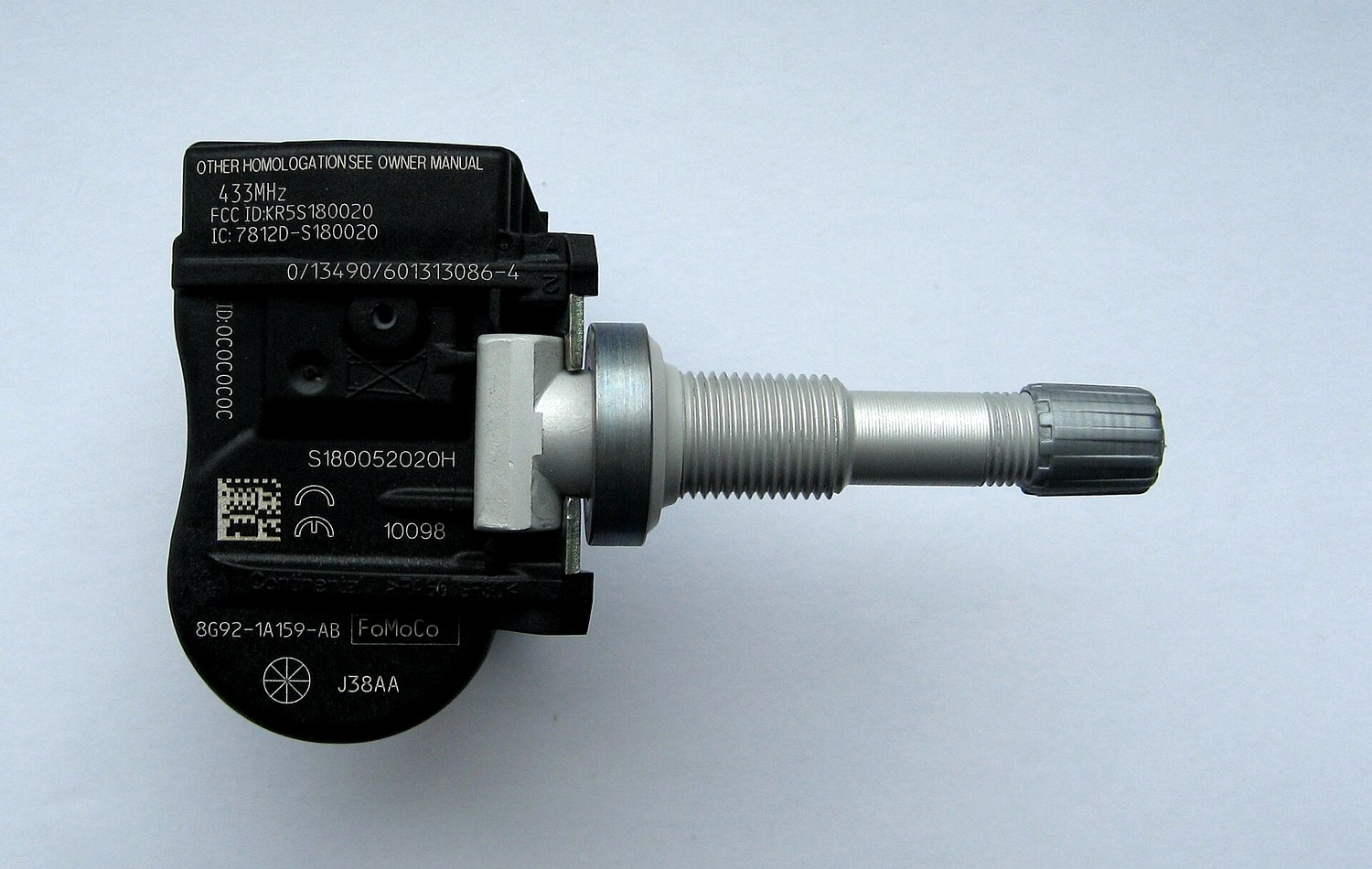
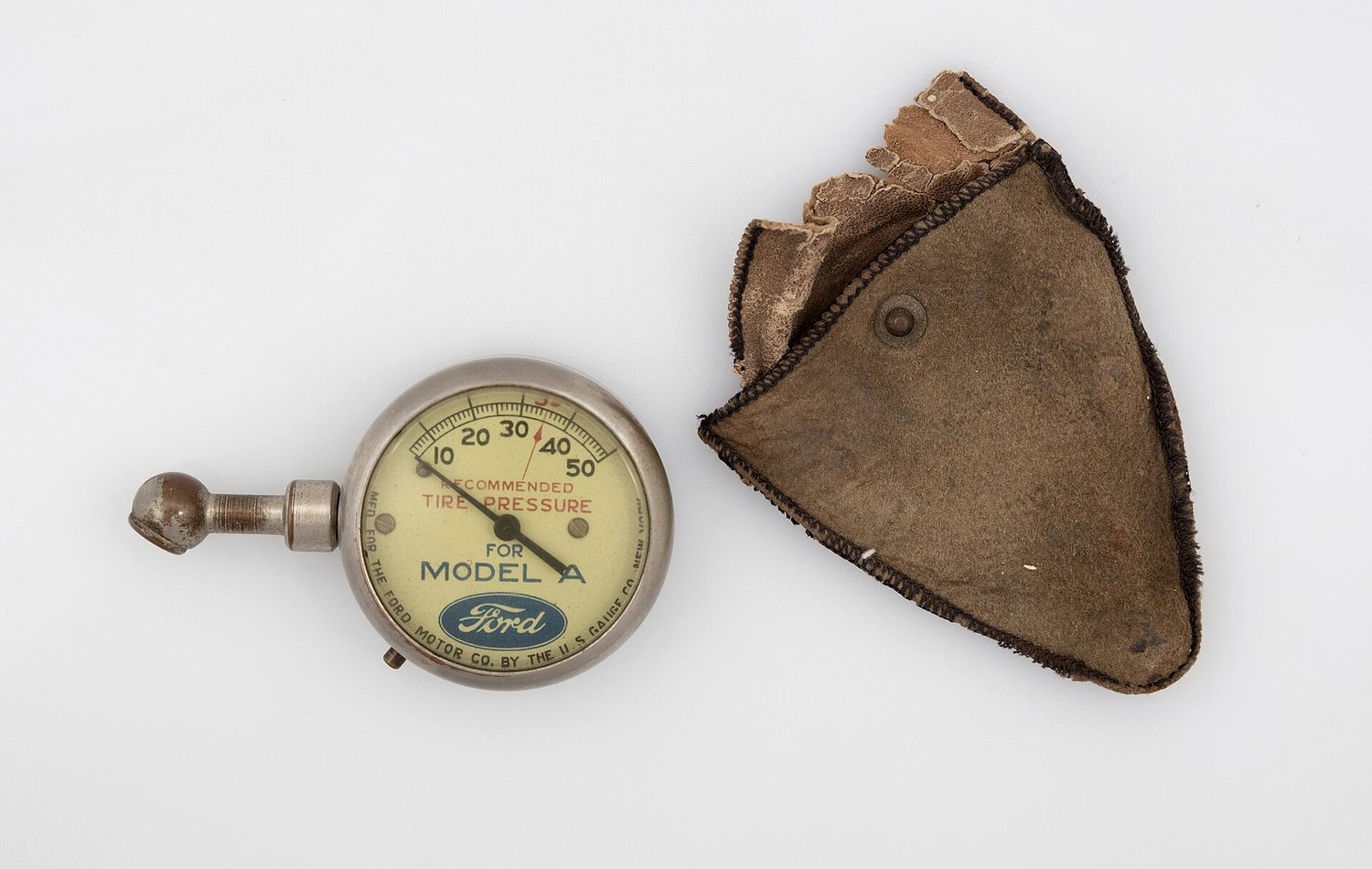
We cover dash cams, memory cards, battery maintainers, chargers, portable jump starters, OBD2 scanners, tire pressure electronics and related accessories. We do not claim hidden lab measurements, exact reliability ratings or professional installation credentials.
Choose by job route cards
Tool checklist
Power path
Check whether the item uses a 12V socket, USB, hardwire kit, clamps, ring terminals or its own battery.
Mounting and removal
A useful dash cam or scanner should not block controls, leave messy cable routes or become awkward to remove.
Storage media
Memory cards, firmware and app support can matter more than the headline resolution on a product page.
Safety limits
Electronics can help you record or monitor, but they do not replace safe driving, service manuals or professional diagnosis.
Featured pillar guide
Start with the dash cam buying checklist if your main concern is commuting or family driving. Start with the battery maintainer guide if your car sits between drives. Use our review method to see how we handle claims, affiliate links and product criteria.
FAQ and mistakes to avoid
Should every driver hardwire a dash cam?
No. Hardwiring can be useful, but many drivers are better served by a cleaner plug-in setup unless parking mode is a real requirement.
Can an OBD2 scanner tell me exactly what to buy?
No. A code is a clue, not a full diagnosis. Cross-check it with service information and do not replace parts only because an app named a component.
What should I check before storing electronics in the car?
Heat, cold, charging schedule, memory card condition and cable strain. Small devices fail quickly when storage conditions are ignored.
Latest files on this bench
Use these files when you are deciding whether a small device deserves a permanent place in the glovebox, boot or garage drawer. We look for the hidden ownership costs: memory cards, firmware updates, replacement leads, battery state, storage temperature and the time it takes to set the item up again after months of not using it.
The most expensive-looking device is not automatically the safest choice. A dash cam with awkward cable routing, a jump starter with unclear recharge habits or a scanner that pushes vague app prompts can create more friction than it removes.
Editorial method note
We compare plain buying criteria, setup burden and common limitations. We disclose affiliate links, avoid fake scores and update pages when category advice changes.